
RAG vs Search: What Should a Business Knowledge System Use?
Should your knowledge system use search, RAG, or both? A practical guide to choosing the right architecture based on real product requirements.

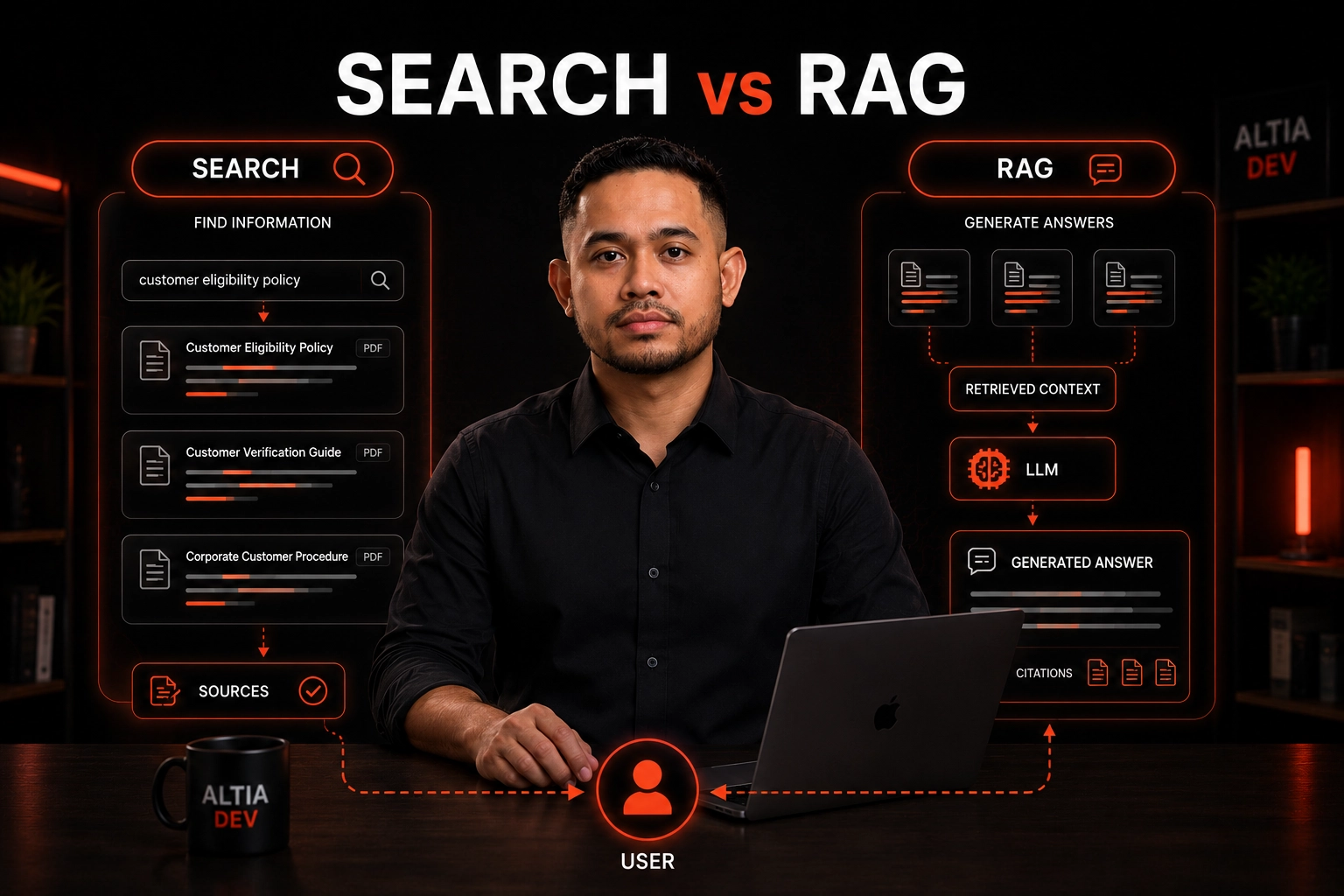
Table of Contents
When businesses start exploring AI for internal knowledge, the conversation often jumps immediately to RAG.
The idea sounds compelling:
Put the company's documents into a knowledge base, connect an LLM, and let employees ask questions.
Retrieval-Augmented Generation can indeed be a powerful architecture. It allows an LLM to retrieve relevant external information and use that context when generating an answer.
But there is an important question that often gets skipped:
Does the business actually need generated answers, or does it primarily need better search?
Those are different product requirements.
Sometimes the best knowledge system is a search interface.
Sometimes it is RAG.
And sometimes the best architecture is both.
Search and RAG Solve Different Problems #
At a high level:
flowchart TD
    subgraph Search
        A1[User Query] --> A2[Retrieve Documents] --> A3[Show Results]
    end
    subgraph RAG
        B1[User Question] --> B2[Retrieve Relevant Context] --> B3[LLM] --> B4[Generated Answer]
    end
The key difference is not simply "AI versus no AI."
It is:
Does the system need to retrieve information, or retrieve information and synthesize it into an answer?
A conventional search system exposes the underlying results.
A RAG system uses retrieved information as context for generation.
That distinction has consequences for UX, architecture, evaluation, security, and trust.
What Search Does Well #
Search is often underrated because it is less exciting than an AI assistant.
But search has a major advantage:
It shows the source.
A user can search:
customer eligibilityand receive:
The user can inspect the documents and decide which one is relevant.
This is useful when users already understand the domain and mainly need to find the right information.
Search is particularly strong for:
What RAG Adds #
RAG changes the interaction from:
"Find me the document."
to:
"Answer my question using the relevant knowledge."
A simplified architecture looks like:
flowchart TD
    A[User Question] --> B[Query Processing]
    B --> C[Retrieval]
    C --> D[Relevant Knowledge]
    D --> E["Prompt / Context"]
    E --> F[LLM]
    F --> G[Generated Answer]
The retrieval step is essential.
The LLM is not supposed to invent the answer from general model knowledge.
Instead, the system retrieves relevant information from the organization's knowledge source and supplies that information as context.
This is the core idea behind RAG.
RAG Is Not a Replacement for Search #
This is one of the most important architectural points.
A RAG system still needs retrieval.
In fact:
RAG quality depends heavily on retrieval quality.
If the system retrieves the wrong content, the LLM receives the wrong context.
The pipeline becomes:
flowchart TD
    A[Bad Retrieval] --> B[Bad Context]
    B --> C[Confident Answer]
    C --> D[Bad User Experience]
    style A fill:#fee,stroke:#c33
    style D fill:#fee,stroke:#c33
This is why RAG should not be treated as a magical layer that sits on top of poor information architecture.
The underlying knowledge still needs to be:
The Three-Layer Model #
For business knowledge systems, it is useful to separate three concerns.
flowchart TD
    A[Knowledge] --> B[Retrieval]
    B --> C[Search]
    B --> D[RAG]
    C --> E[Documents]
    D --> F[Answers]
The knowledge layer stores and manages information.
The retrieval layer finds relevant information.
The presentation layer determines how that information reaches the user.
Search and RAG can therefore share the same underlying knowledge source.
This is a much better architecture than treating them as mutually exclusive technologies.
When Search Is Enough #
There are many cases where RAG is unnecessary.
1. Users Need the Original Document #
Suppose an employee searches:
QMS policy 2026The employee may want to open the official policy.
Generating an answer may actually add an unnecessary layer.
The source document is the product.
2. Exact Wording Matters #
Some information should be inspected in its original form.
Examples:
In these cases, showing the source can be more useful than generating a summary.
3. Users Know What They Are Looking For #
If the user already knows the document name, category, or identifier, search may be the fastest path.
Policy-2026-04does not necessarily need an LLM.
4. Auditability Is the Primary Requirement #
Sometimes the important question is:
"Where did this information come from?"
A search result directly exposes the source.
A generated answer requires additional mechanisms to show citations and traceability.
When RAG Becomes Valuable #
RAG becomes more interesting when users are asking questions rather than looking for documents.
1. Users Don't Know the Terminology #
A user might ask:
What documents do I need before this customer can be approved?The knowledge base may use terminology such as:
Customer Qualification RequirementsRAG can use retrieved context to formulate an answer in the language of the user.
2. The Answer Requires Multiple Sources #
Consider:
What is the process for handling an incomplete customer submission?The answer may require information from:
A search interface can return those documents.
A RAG system can retrieve them and synthesize the relevant information into one response.
3. Users Need Conversational Interaction #
If the product requirement is:
User: What is our policy for X?
AI: Based on the current policy...
User: What about exception Y?
AI: For exception Y...
then conversational retrieval becomes a natural requirement.
Search alone does not provide that interaction model.
The Hidden Cost of RAG #
RAG is useful, but it introduces additional engineering responsibilities.
A production RAG system is more than Vector Database + LLM.
A typical architecture can involve:
flowchart TD
    A[Document Ingestion] --> B[Chunking]
    B --> C[Embedding]
    C --> D[Indexing]
    D --> E[Retrieval]
    E --> F[Reranking]
    F --> G[Context Assembly]
    G --> H[LLM]
    H --> I["Citation / Response"]
    I --> J[Evaluation]
Every additional layer introduces another potential failure mode.
That means RAG should be added because it solves a real product problem, not because it is currently popular.
Search Is Easier to Explain #
Consider these two experiences.
Search #
flowchart TD
    A[Query] --> B[Results] --> C[Source Document]
The user can inspect the result.
RAG #
flowchart TD
    A[Question] --> B[Retrieval] --> C[Context] --> D[LLM] --> E[Answer]
Now the system has to answer additional questions:
RAG therefore increases the product's responsibility.
The Importance of Citations #
For enterprise knowledge systems, generated answers should ideally remain traceable to their source material.
A useful experience might look like:
Answer:
Customers must provide the required verification documents
before approval.

Sources:
• Customer Verification Policy
• Customer Approval Procedure
This changes the interaction from:
"Trust the AI."
to:
"Here is the answer, and here is where it came from."
That distinction is important for business adoption.
Retrieval Quality Comes Before Generation Quality #
A common mistake is spending too much time comparing LLMs while ignoring retrieval.
Consider:
Model A + Good Retrieval
        vs
Model B + Bad Retrieval
The first system can easily produce the better business result.
The model cannot reliably answer from information it never received.
That means teams should evaluate:
flowchart TD
    A[Retrieval] --> B[Context Quality] --> C[Answer Quality]
rather than measuring only the final generated response.
For enterprise RAG, retrieval quality is therefore an engineering concern in its own right.
Search + RAG Can Be Better Than RAG Alone #
A strong knowledge product does not have to hide search behind the chatbot.
It can provide both:
flowchart TD
    A[Knowledge System] --> B[Search]
    A --> C[AI]
    B --> D[Source Results]
    C --> E[Answer]
    D --> F[User]
    E --> F
The user can choose the interaction they need.
For example:
This is often a better product model than forcing every question through an LLM.
A Real-World Knowledge System #
In the enterprise knowledge management system we built for a client, the platform was designed around multiple projects, each with its own users and knowledge context.
The architecture included:
The document workflow was:
flowchart TD
    A[PDF] --> B[Read]
    B --> C[Understand Structure]
    C --> D["Generate Title / Category / Content"]
    D --> E[Admin Review]
    E --> F[Publish]
This project is a useful example of why knowledge architecture should come before adding an AI interface.
The system already had a structured knowledge workflow and search layer.
That is the foundation.
Whether a future product layer should add RAG, a conversational assistant, or another retrieval experience is a separate architectural decision.
Importantly, the project facts available to us do not establish that RAG was implemented, so this article does not claim that it was.
A Practical Decision Framework #
Use this framework before deciding to build RAG.
Choose Search When #
Choose RAG When #
Choose Both When #
This is common in enterprise knowledge systems.
A Simple Architecture Progression #
Instead of building everything at once:
flowchart TD
    A["Phase 1: Structured Knowledge"] --> B["Phase 2: Full-Text Search"]
    B --> C["Phase 3: Semantic / Hybrid Retrieval"]
    C --> D["Phase 4: RAG"]
    D --> E["Phase 5: Citations + Evaluation"]
This progression has an important advantage:
Every layer is added because the previous layer exposes a real product need.
You can start with search.
Then observe actual user behavior.
If users repeatedly ask questions that require synthesis, add RAG.
If retrieval becomes the bottleneck, improve retrieval.
If users need citations, add citation-aware response generation.
Architecture becomes evolutionary rather than speculative.
What About a Chatbot? #
A chatbot is a user interface.
RAG is an architecture pattern.
They should not be treated as the same thing.
You can build Search UI + RAG API without building a chatbot.
Likewise, a chatbot does not automatically mean the underlying system uses RAG.
The important architectural question remains:
How does the application retrieve and use trusted knowledge?
The Real Product Is the Knowledge System #
It is tempting to think of the final product as:
PDF → AI → ChatbotBut a production business knowledge system is closer to:
flowchart TD
    A[Documents] --> B[Processing]
    B --> C[Structured Knowledge]
    C --> D[Permissions]
    D --> E["Search / Retrieval"]
    E --> F[Optional RAG]
    F --> G[Citations]
    G --> H[User]
The AI assistant is only one possible interface on top of that foundation.
This distinction becomes increasingly important as organizations move from AI prototypes into operational systems.
What We Would Recommend #
Our recommendation is simple:
Build the knowledge system first. Add RAG when the product actually needs generated answers.
Start with:
Then ask: Are users finding what they need?
If yes, you may not need RAG yet.
If no, determine why.
Is it:
Only the last problem necessarily points toward RAG.
Conclusion #
RAG is powerful, but it is not the definition of an AI knowledge system.
Search helps users find knowledge.
RAG helps applications use retrieved knowledge to generate an answer.
Those capabilities can coexist.
The best architecture depends on the user's actual task.
A practical progression is:
flowchart TD
    A[Structured Knowledge] --> B[Search]
    B --> C[Evaluate]
    C --> D["Semantic / Hybrid Retrieval"]
    D --> E[Add RAG When Needed]
The goal is not to build the most sophisticated AI architecture.
The goal is to build the simplest architecture that gives users trustworthy access to the knowledge they need.
Don't build RAG because you can. Build it when generated answers solve a problem that search alone cannot.
Explore other insights on engineering, AI, design, and digital systems.
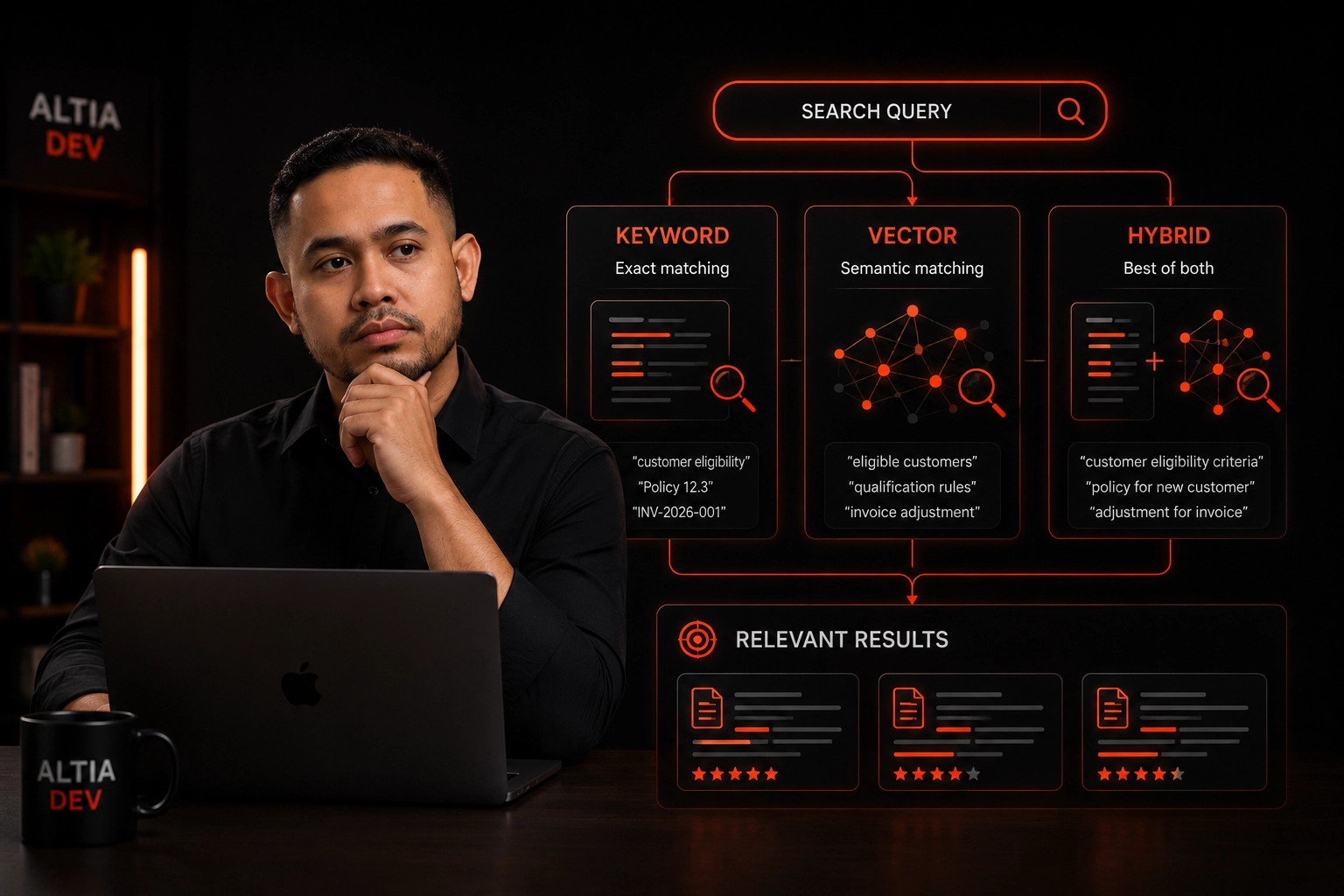
Meilisearch vs Vector Search: Which Should You Use?
Compare keyword, vector, and hybrid search to choose the right retrieval architecture for knowledge systems, AI applications, and enterprise search.
Alfredo Gemilang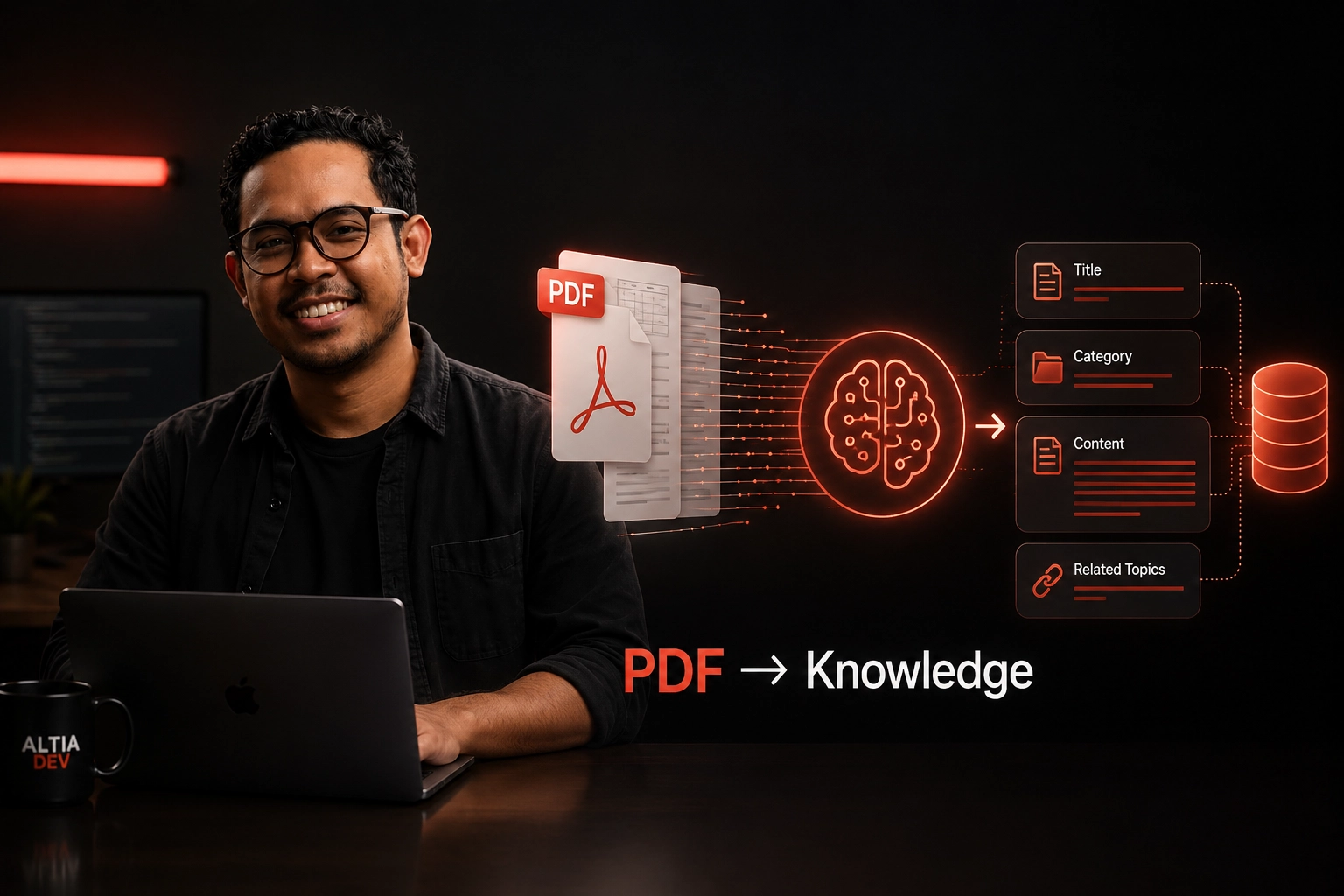
How to Turn Complex PDFs into Structured Knowledge
Learn how AI-assisted document processing can turn complex PDFs into structured, searchable business knowledge with human review and workflow controls.
Alfredo Gemilang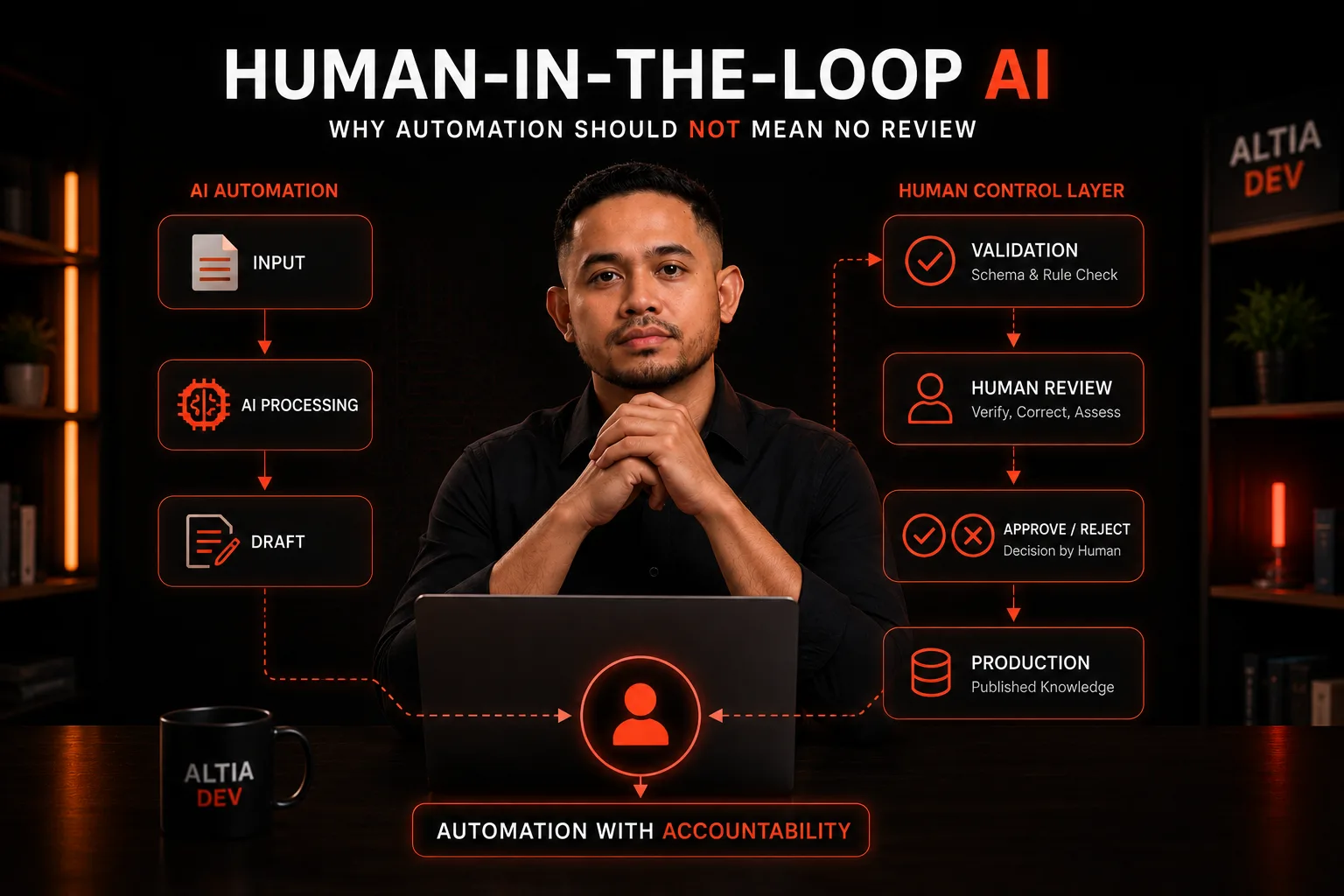
Human-in-the-Loop AI: Why Automation Should Not Mean No Review
Learn when AI should decide and when humans must stay in control — and how to design review workflows that automate the repetitive without removing accountability.
Alfredo Gemilang