
How to Turn Complex PDFs into Structured Knowledge
Learn how AI-assisted document processing can turn complex PDFs into structured, searchable business knowledge with human review and workflow controls.

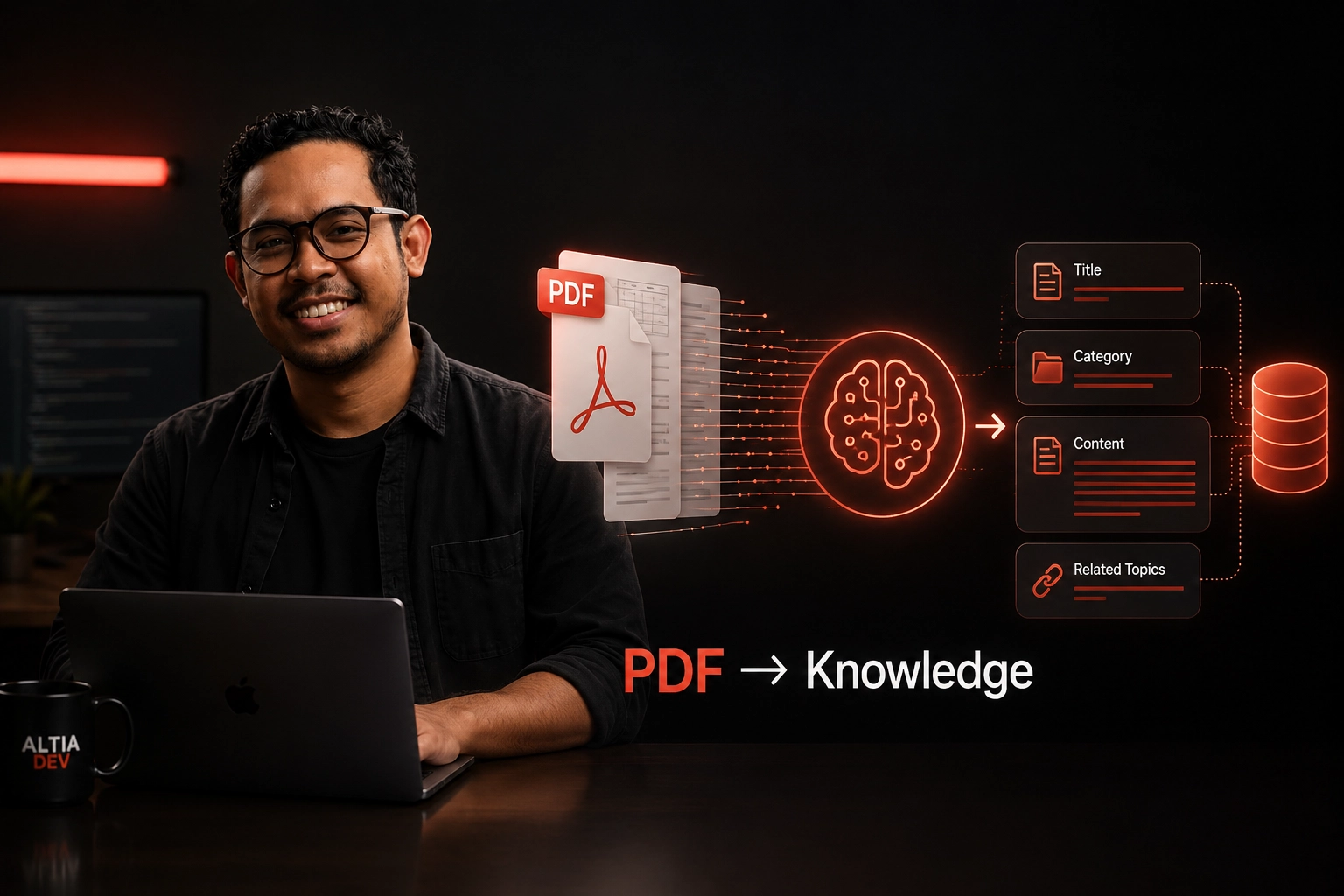
Table of Contents
Businesses accumulate knowledge in documents long before they build systems around it.
Policies, manuals, procedures, reports, training materials, product documents, operational guides, and internal references often arrive as PDFs. The information is there, but it is not necessarily easy to search, organize, update, or reuse.
That creates a common problem:
The business has the knowledge, but the knowledge is trapped inside documents.
A simple PDF text extractor can recover words from those files. But that is only the beginning.
To make documents genuinely useful inside a knowledge system, the system needs to understand more than text. It needs to identify structure, turn that structure into meaningful content, classify it, and provide a workflow for people to review what the system produced.
This is where AI-assisted document processing becomes interesting.
Why PDFs Are Harder Than They Look #
A PDF may look like a simple document to a human reader.
For software, it can be considerably more complicated.
A document can contain:
Even when text can be extracted successfully, the resulting text may not preserve the meaning of the original structure.
For example, a system might extract:
Customer Eligibility

The following customers are eligible...

1. Existing customers
2. New customers
3. Corporate customers

Required Documents

...
But a knowledge system does not necessarily want one large block of text.
It may need something closer to:
Title:
Customer Eligibility

Category:
Customer Policy

Content:
...

Related Topic:
Required Documents
The difference is important.
The first output is extracted text.
The second is structured knowledge.
Text Extraction Is Only the First Step #
One of the easiest mistakes is to treat PDF processing as a text extraction problem.
A simplified pipeline might look like:
flowchart TD
    A["PDF Document"] --> B["Text Extraction"]
    B --> C["Database"]
That can work for some use cases.
But if the objective is to build a useful knowledge system, the pipeline often needs another layer:
flowchart TD
    A["PDF Document"] --> B["Document Understanding"]
    B --> C["Structure Recognition"]
    C --> D["Content Generation"]
    D --> E["Classification"]
    E --> F["Human Review"]
    F --> G["Structured Knowledge"]
    G --> H["Search & Retrieval"]
The important shift is from:
"Can we extract the text?"
to:
"Can we understand enough of the document to turn it into something useful?"
What "Structured Knowledge" Actually Means #
Structured knowledge does not necessarily mean putting every sentence into a rigid database schema.
It means giving information enough structure that the rest of the system can work with it.
For example, a knowledge item may have:
Title
Category
Content
Source Document
Related Project
Metadata
Publication Status
The exact schema depends on the business.
The important part is that the system creates a consistent unit of knowledge.
This makes downstream workflows easier:
flowchart LR
    A["Document"] --> B["Knowledge Items"]
    B --> C["Search Layer"]
    C --> D["Admin Review"]
    D --> E["Publication"]
    E --> F["User Access"]
Instead of treating a PDF as a single opaque object, the system can treat its useful information as a collection of searchable knowledge items.
A Practical PDF-to-Knowledge Pipeline #
A useful starting architecture is a four-stage workflow:
flowchart TD
    A["PDF Input"] --> B["1. Read Document"]
    B --> C["2. Understand Structure"]
    C --> D["3. Generate Structured Content"]
    D --> E["4. Human Review"]
    E --> F["Published Knowledge Base"]
Each stage has a different responsibility.
1. Read the Document #
The first step is to make the document accessible to the processing system.
The system needs to ingest the PDF and extract the information required for further processing.
At this stage, the goal is not to produce the final knowledge item.
It is simply:
Get the document into a form the processing pipeline can understand.
This distinction helps keep the architecture modular.
2. Understand Its Structure #
Once the document is readable, the next problem is understanding its organization.
The system needs to determine things such as:
This is where AI-assisted processing can add significant value.
Instead of relying entirely on fixed rules, an AI model can help interpret the semantic structure of the document.
The objective is not simply:
Extract everythingbut:
Understand what the extracted information represents3. Generate Structured Content #
After the document structure has been interpreted, the system can generate the fields needed by the knowledge platform.
For example:
flowchart TD
    A["PDF Ingestion"] --> B["Document Understanding"]
    B --> C["Title"]
    B --> D["Category"]
    B --> E["Content Block"]
    B --> F["Metadata"]
The AI may be responsible for proposing:
The important word here is proposing.
The AI output should not automatically become the final published knowledge.
AI produces drafts that enter the downstream editorial workflow.
4. Review Before Publishing #
This is one of the most important parts of the workflow.
The generated content should pass through an administrative review step.
flowchart LR
    A["AI Processing"] --> B["Draft Knowledge"]
    B --> C["Admin Review"]
    C --> D{"Approve / Edit / Reject"}
    D -->|Approved| E["Published Knowledge"]
    D -->|Rejected| F["Revise / Discard"]
This creates a human-in-the-loop system.
The goal is not to make AI slower. The goal is to give automation a controlled boundary.
For business knowledge, an incorrect generated article can be worse than an unprocessed document because users may trust information that appears to have already been structured and approved.
Human review provides a vital quality gate.
Where AI Helps #
AI is particularly useful when the transformation requires interpretation rather than simple extraction.
For example, the system can help with:
flowchart TD
    A["Document Section"] --> B["'What is this section about?'"]
    B --> C["Clear Title"]
    C --> D["'What category does it belong to?'"]
    D --> E["Taxonomy Category"]
    E --> F["'What information should become the knowledge content?'"]
    F --> G["Structured Content"]
This is different from asking an AI model to simply summarize every PDF.
The objective is to produce output that fits the destination knowledge system.
That means the AI should operate within a defined schema and workflow.
Why Human Review Still Matters #
Automation does not remove the need for judgment.
It changes where judgment happens.
A useful model is:
Machine:
- Process
- Interpret
- Draft
- Classify

Human:
- Review
- Correct
- Approve
- Publish
This is especially useful when documents contain information that affects business operations.
The human reviewer can identify:
The system therefore becomes neither fully manual nor blindly automated.
It becomes:
AI-assisted knowledge production with human control.
Designing the Knowledge Layer #
Document processing is only one part of the overall system.
The generated knowledge needs somewhere to live.
A basic conceptual architecture looks like:
flowchart TD
    A["PDF Documents"] --> B["Document Processing Pipeline"]
    B --> C["Structured Knowledge"]
    C --> D["Database"]
    C --> E["Search Engine"]
    D --> F["Knowledge UI"]
    E --> F
    F --> G["End Users"]
For larger systems, access control and project boundaries also become important.
A knowledge system may not contain one universal pool of information.
Different projects may have different:
That means the architecture needs to model those boundaries explicitly.
Search Is Part of the Problem #
Structured knowledge is only useful if people can find it.
This is where document processing connects directly to search.
A simplified relationship is:
flowchart TD
    A["Better Document Understanding"] --> B["Better Structured Knowledge"]
    B --> C["Better Searchable Content"]
    C --> D["Better Knowledge Retrieval"]
Search also influences how the content should be structured in the first place.
If the final knowledge items have useful titles, categories, and content boundaries, the search layer has more meaningful information to work with.
This is why document processing and search should not be treated as completely separate problems.
They are parts of the same knowledge workflow.
A Real-World Example #
A useful example comes from an enterprise knowledge management system we built for a client environment.
The system was designed as a multi-project knowledge platform.
Conceptually:
flowchart TD
    Org["Organization"] --> ProjA["Project A"]
    Org --> ProjB["Project B"]
    ProjA --> UsersA["Users & Permissions"]
    ProjA --> KnowA["Knowledge Base A"]
    ProjB --> UsersB["Users & Permissions"]
    ProjB --> KnowB["Knowledge Base B"]
The platform was built from scratch using Laravel, with Meilisearch providing the search layer.
One of the more specialized workflows was AI-assisted document processing:
flowchart LR
    PDF["PDF"] --> Read["Read"]
    Read --> Struct["Understand Structure"]
    Struct --> Gen["Generate Title / Category / Content"]
    Gen --> Review["Admin Review"]
    Review --> Pub["Publish to KMS"]
The system also features live integrations with MARS Outbound, QMS, and CRM.
The important lesson from this type of system is that the AI component is not the entire product.
The actual product is the workflow around the AI.
The complete system is:
Document
+
AI Processing
+
Structured Data
+
Search
+
Permissions
+
Review
+
Business Integrations
That combination is what turns an AI capability into a dependable business application.
Common Mistakes #
1. Treating Every PDF as Plain Text #
Text extraction can lose the relationships between sections and their meaning. If the destination is a knowledge system, structure matters.
2. Sending the Entire Document to an AI Model and Publishing the Result #
This can produce a readable output, but readability is not the same as reliable business knowledge. The system needs a defined output structure, validation, review, and publishing controls.
3. Starting with the AI Model Instead of the Workflow #
It is tempting to start with "Which AI model should we use?". A better starting question is:
"What should happen to a document from upload to published knowledge?"
The model is one component of that workflow.
4. Ignoring the Destination Schema #
If the knowledge platform expects Title, Category, and Content, the processing pipeline should be designed around those outputs. AI should not generate a generic summary and leave another manual process to transform it later.
5. Forgetting Human Review #
Automation should reduce repetitive work. It should not automatically remove accountability. For many business workflows, the right architecture is:
AI → Review → Publishrather than:
AI → Publish6. Treating Search as an Afterthought #
If the final goal is knowledge retrieval, search should influence the information architecture from the beginning. The document pipeline and search layer should be designed together.
What We Would Recommend #
If a business is considering turning a large document collection into a searchable knowledge system, start with the workflow rather than the AI model.
Define:
Then select the technologies and AI components that support that workflow.
A practical architecture can remain straightforward:
flowchart TD
    A["Document Ingestion"] --> B["Document Processing"]
    B --> C["AI-Assisted Structuring"]
    C --> D["Human Review Gate"]
    D --> E["Knowledge Repository"]
    E --> F["Fast Search Layer"]
    F --> G["Business Application & Users"]
The sophistication should come from solving the actual business problem, not from adding technology for its own sake.
Conclusion #
Turning complex PDFs into structured knowledge is not primarily a PDF problem.
It is a knowledge workflow problem.
Text extraction gives you the words. AI can help interpret the structure and transform those words into useful content.
But a production knowledge system also needs:
The most useful architecture is therefore not:
PDF → AI → AnswerIt is closer to:
flowchart LR
    A["PDF"] --> B["Understand"]
    B --> C["Structure"]
    C --> D["Review"]
    D --> E["Publish"]
    E --> F["Search"]
    F --> G["Use"]
That shift, from extracting documents to engineering a knowledge workflow, is where AI-assisted document processing becomes genuinely useful.
Explore other insights on engineering, AI, design, and digital systems.

RAG vs Search: What Should a Business Knowledge System Use?
Should your knowledge system use search, RAG, or both? A practical guide to choosing the right architecture based on real product requirements.
Alfredo Gemilang
Meilisearch vs Vector Search: Which Should You Use?
Compare keyword, vector, and hybrid search to choose the right retrieval architecture for knowledge systems, AI applications, and enterprise search.
Alfredo Gemilang
Human-in-the-Loop AI: Why Automation Should Not Mean No Review
Learn when AI should decide and when humans must stay in control — and how to design review workflows that automate the repetitive without removing accountability.
Alfredo Gemilang